Knowledge base
1000 FAQs, 500 tutorials and instructional videos. Here, there are only solutions!
Set a new homepage as default in Site Creator
This guide explains how to manage the first page of an Infomaniak Site Creator, that is, the homepage visible when you enter your website's address (for example www.domain.xyz).
Preamble
- The homepage is mandatory, but it is easy at any time to define a new one among your existing pages.
- Refer to this other guide to manage additional pages.
Modify the site's homepage
Prerequisites
- Access Site Creator:
- Click here to access the management of your product on the Infomaniak Manager (need help?).
- Click directly on the name assigned to the concerned Site Creator.
- Click on the button Edit my site to start the editor:

Once in Site Creator:
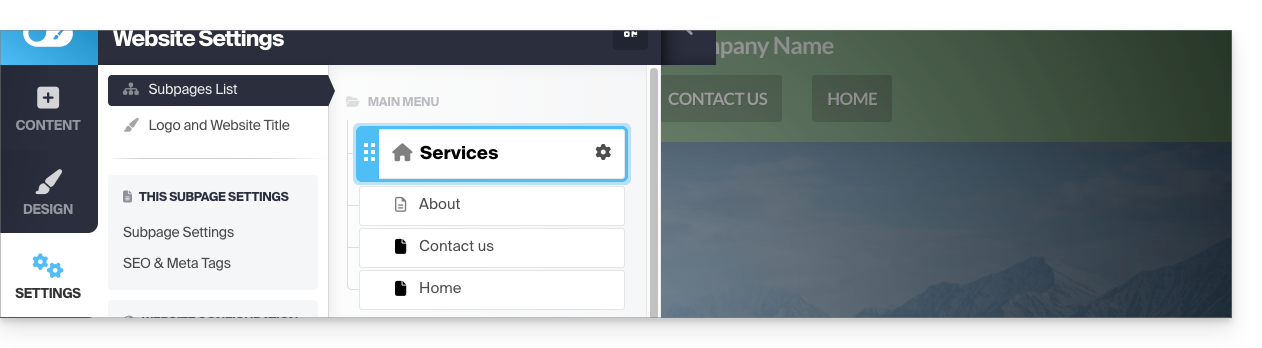
- Click on the Settings button in the left sidebar - the list of your pages appears:
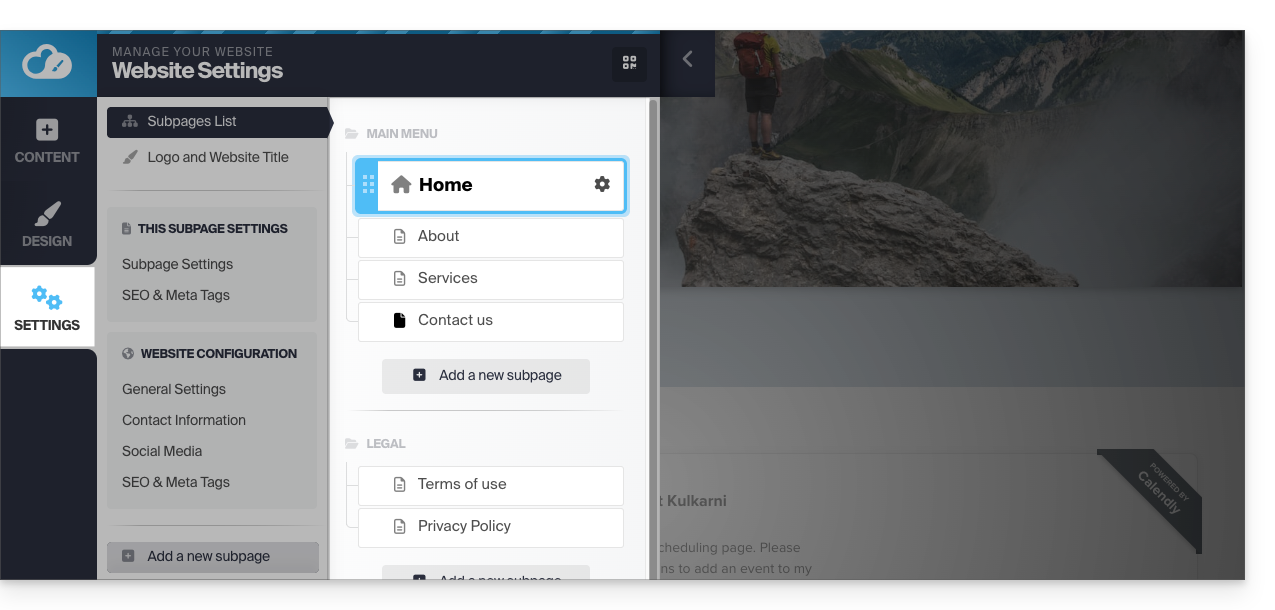
- Click, then drag and drop the current homepage (represented by a house icon) to the bottom of the list:
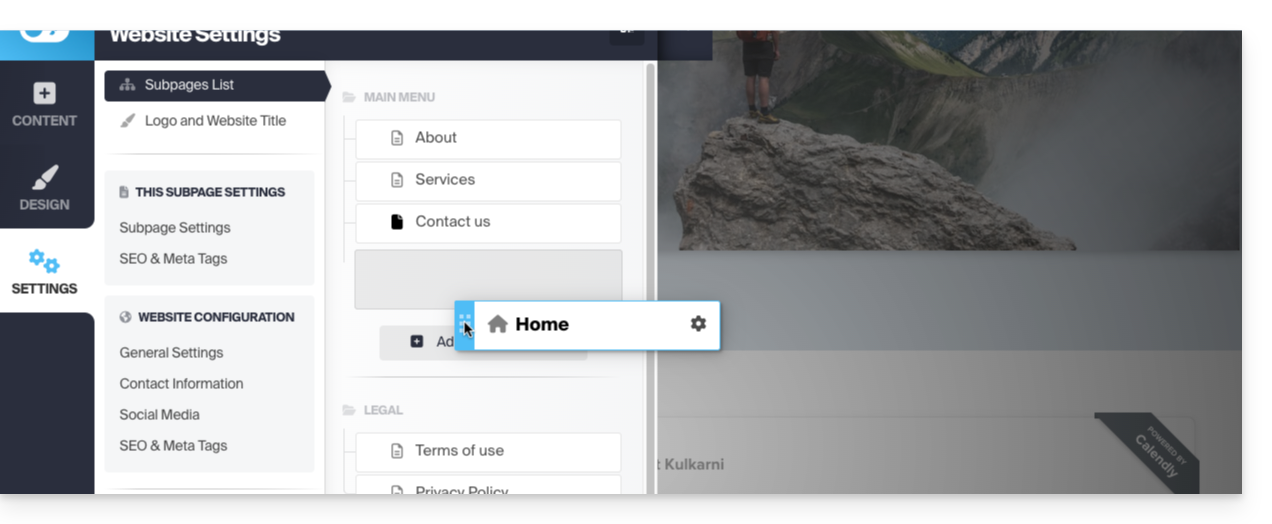
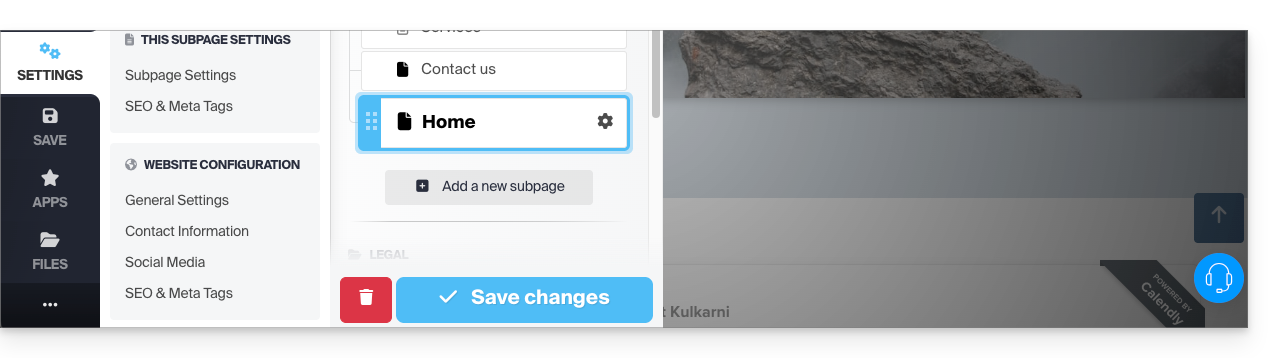
- Click on the icon of this page to change its page type to a conventional page.
- Save the changes:
- Go back to the settings and click on the Settings icon of the page intended to become the new homepage:
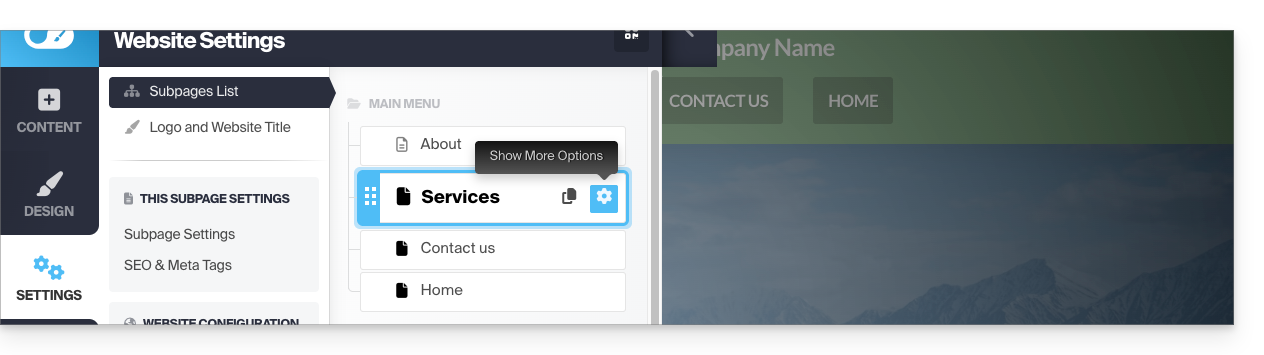
- Click on the toggle switch to set this page as the homepage of your site.
- Save the changes:
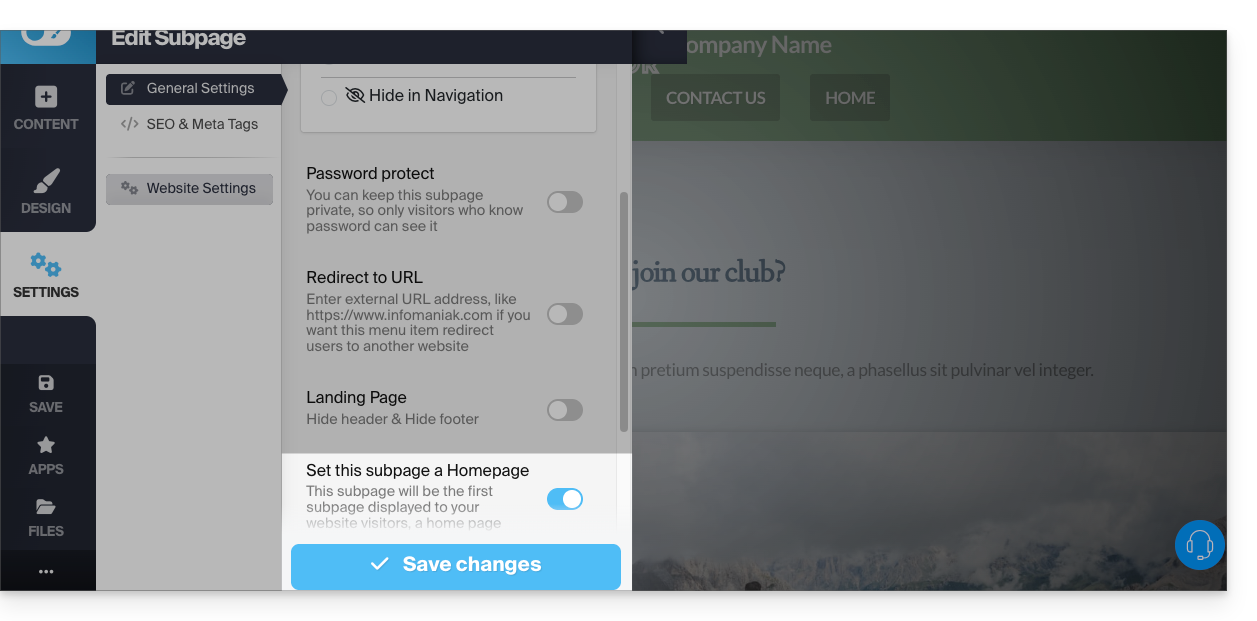
- Go back to the settings and click on the icon of this page to change its page type to a homepage and position it first:
- Save the changes and test the effect of the change by visiting your site which will no longer have the same default homepage:
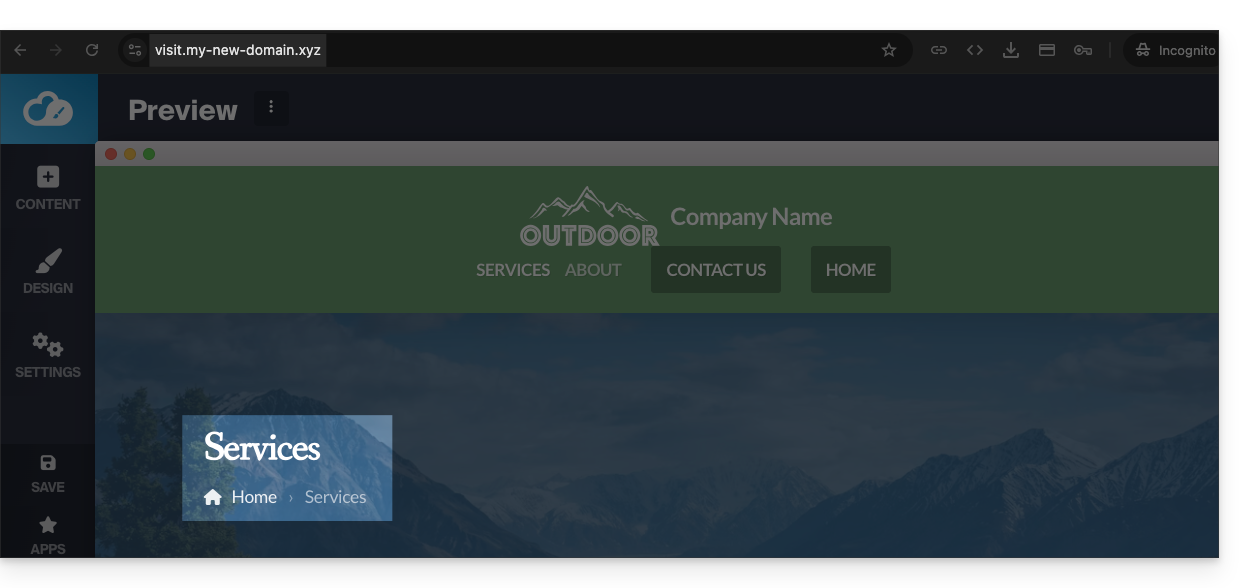
- Before, the homepage was the default one:
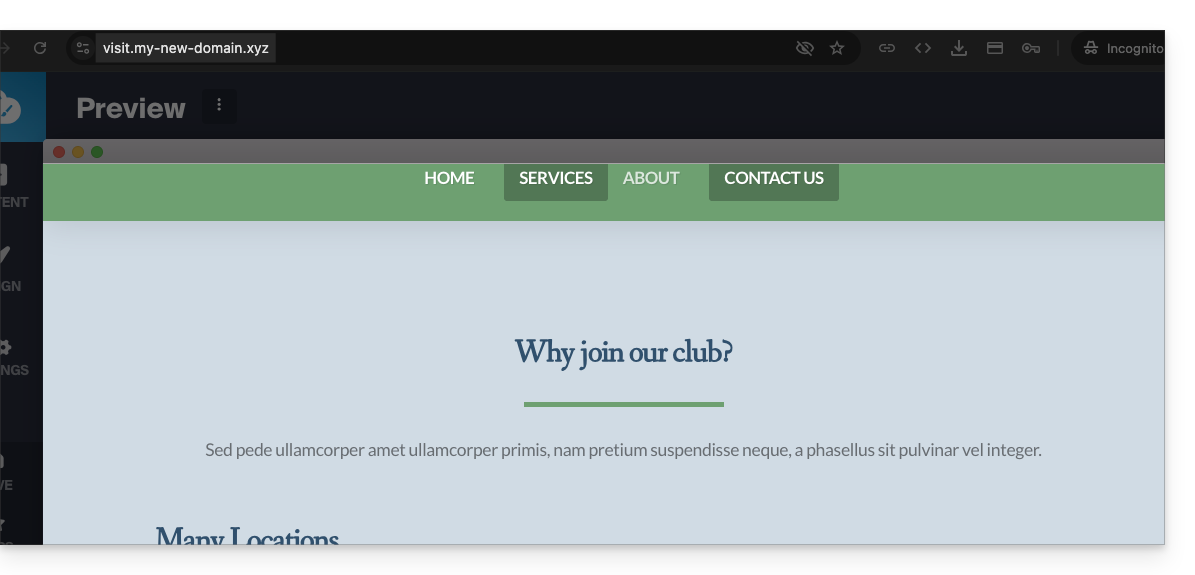
- Before, the homepage was the default one:
Link to this FAQ:
Has this FAQ been helpful?