Knowledge base
1000 FAQs, 500 tutorials and instructional videos. Here, there are only solutions!
Understanding Organizations, my kSuite, accounts, apps...
This guide helps you understand the structure of your Infomaniak services, with the aim of familiarizing you with the terminology used and helping you easily manage your management interfaces, mainly when using my kSuite.
Preamble
- The Organization is the term that represents the grouping of Infomaniak services & users (you and potential collaborators, family members, etc.).
- To understand what an Organization really represents, this guide is structured around several possible situations currently:
- Any new registration for a free my ksuite address (ik.me / etik.com / ikmail.com).
- Any new registration for other Infomaniak services.
- Combined use of my kSuite and other services in the ecosystem:
- Sign up for my kSuite by specifying an existing Infomaniak account
- Purchase Infomaniak products with only a my kSuite account
1. my kSuite Registration (ik.me / etik.com / ikmail.com)
When registering on welcome.infomaniak.com/signup/myksuite, you chose the name of your email address, for example anna.a@ik.me and then entered a personal phone number: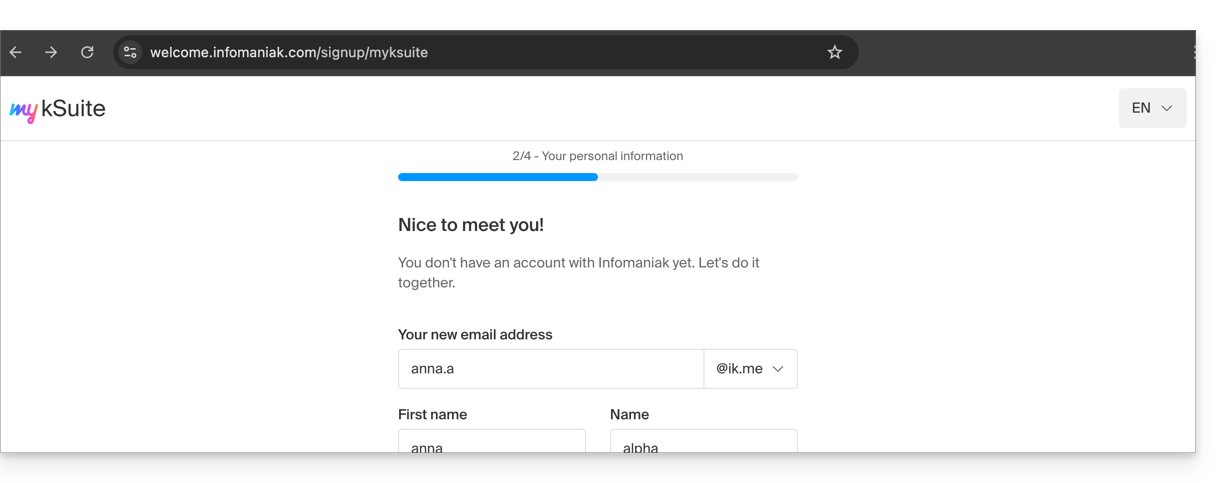
- Once the registration is validated, you access your email address anna.a@ik.me on the Web app Mail
ksuite.infomaniak.com/mail: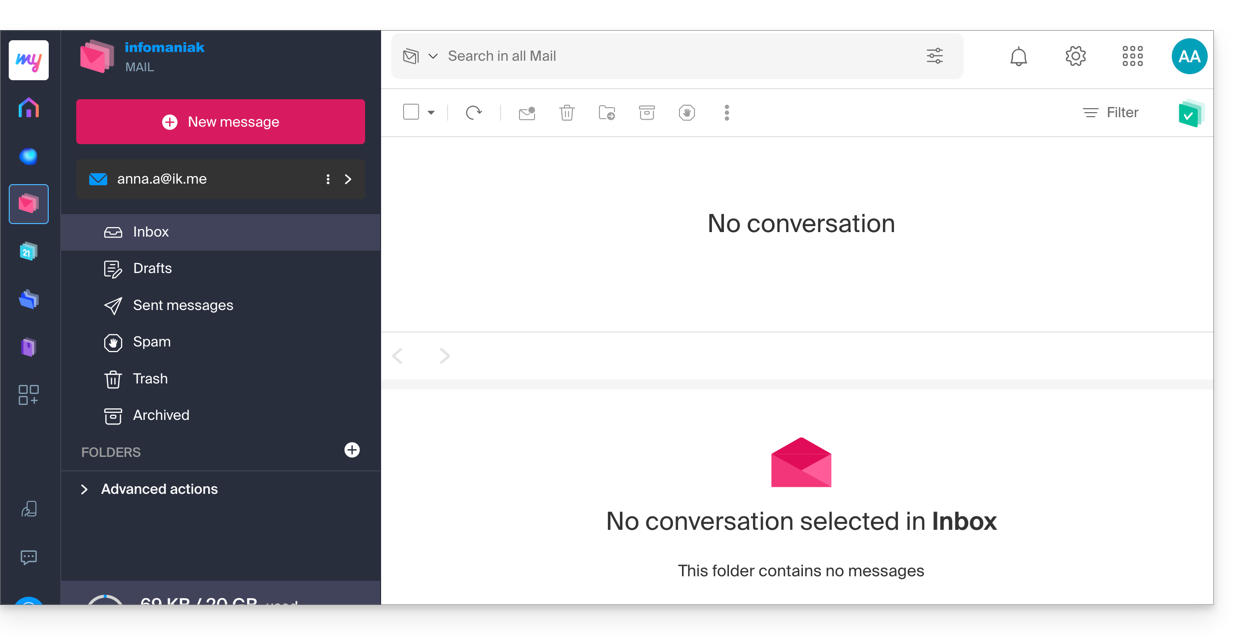
- You can distinguish:
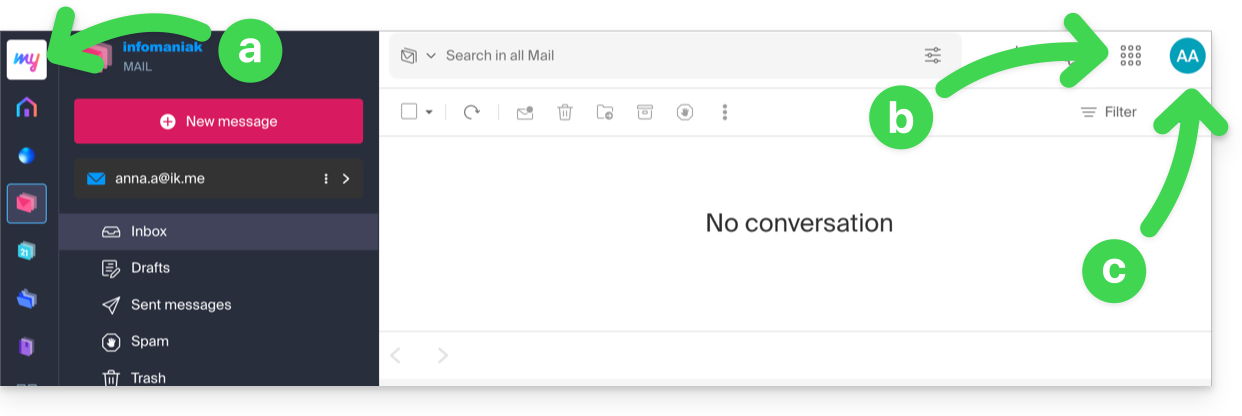
- The logo/type of your Organization, which in this case indicates that it is a my kSuite account.
- The button allows you to access the Manager
manager.infomaniak.comand other apps / other services related to my kSuite: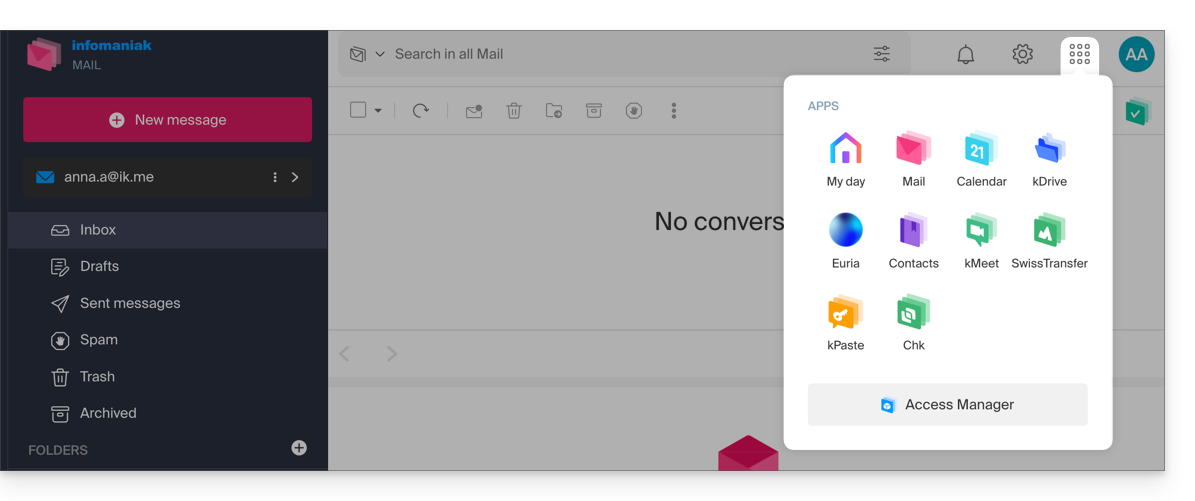
- The Manager in this case will contain nothing more than information about managing your my kSuite account:
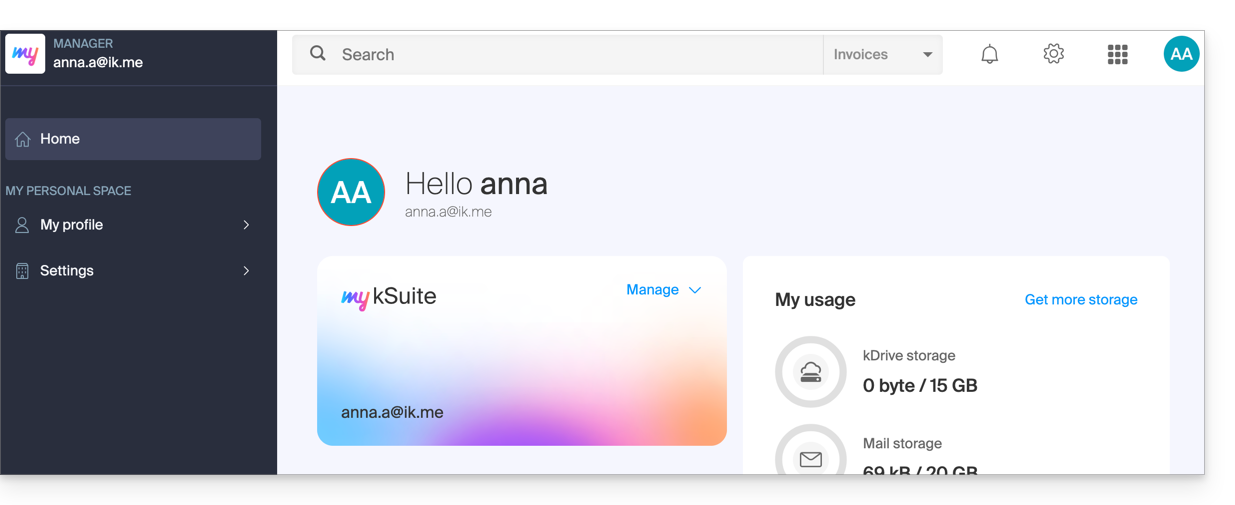
- The Manager in this case will contain nothing more than information about managing your my kSuite account:
- The initials are those of your Infomaniak account (first name / last name entered during registration):
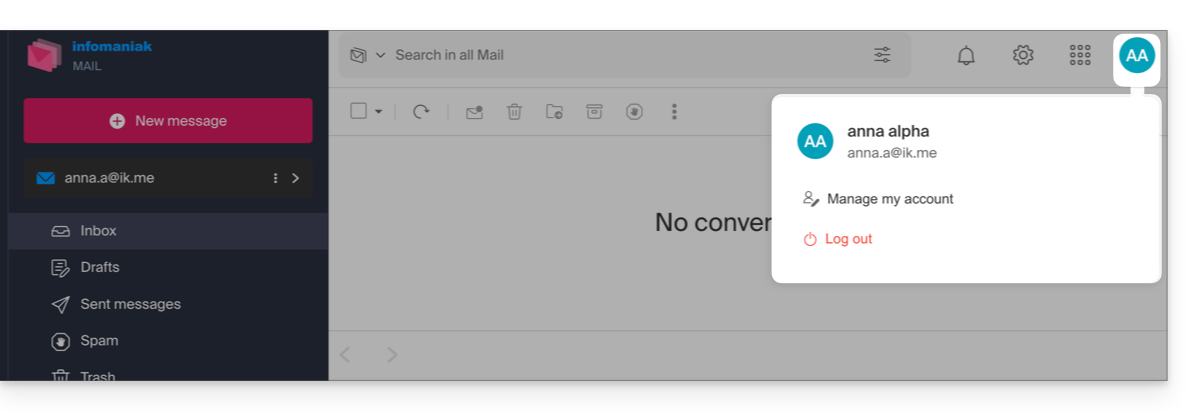
This account my kSuite will not be able to directly contain hosting products, or kSuite with a domain name, etc. The rest of this guide explains how to create a more comprehensive Organization if necessary.
Note that it is not possible to export your services my kSuite to another Organization.
To use your new my kSuite email address on the Web app Mail, refer to this other guide.
2. Registration and purchase of hosting, domain, etc.
When registering on welcome.infomaniak.com/signup/, you chose your login identifier, in the form of a personal email address, for example anna.alpha@orange.fr :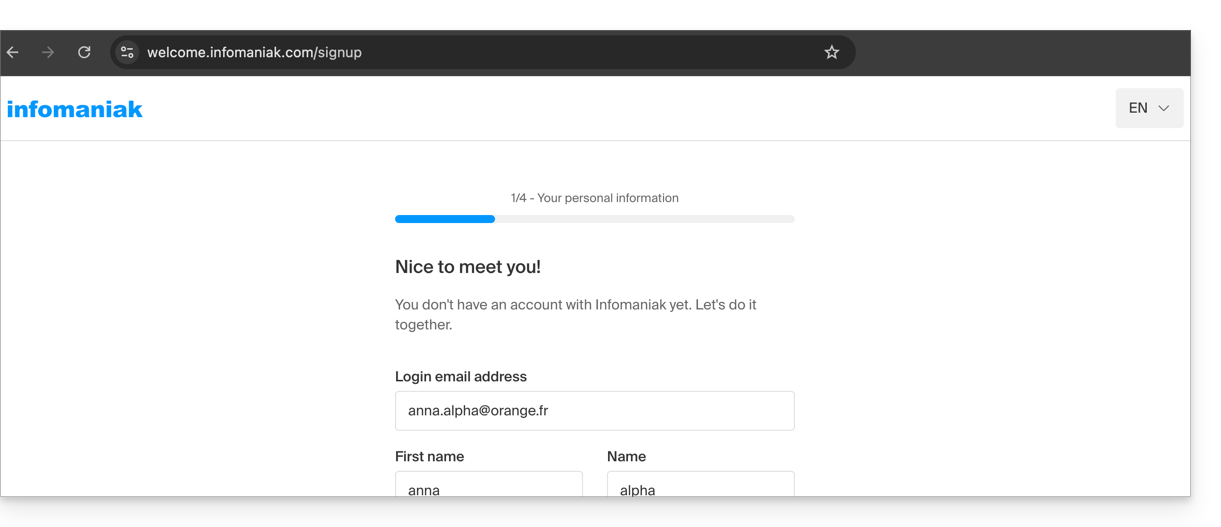
You then chose the type of Organization you wanted to create (personal, or for a company, association, etc.):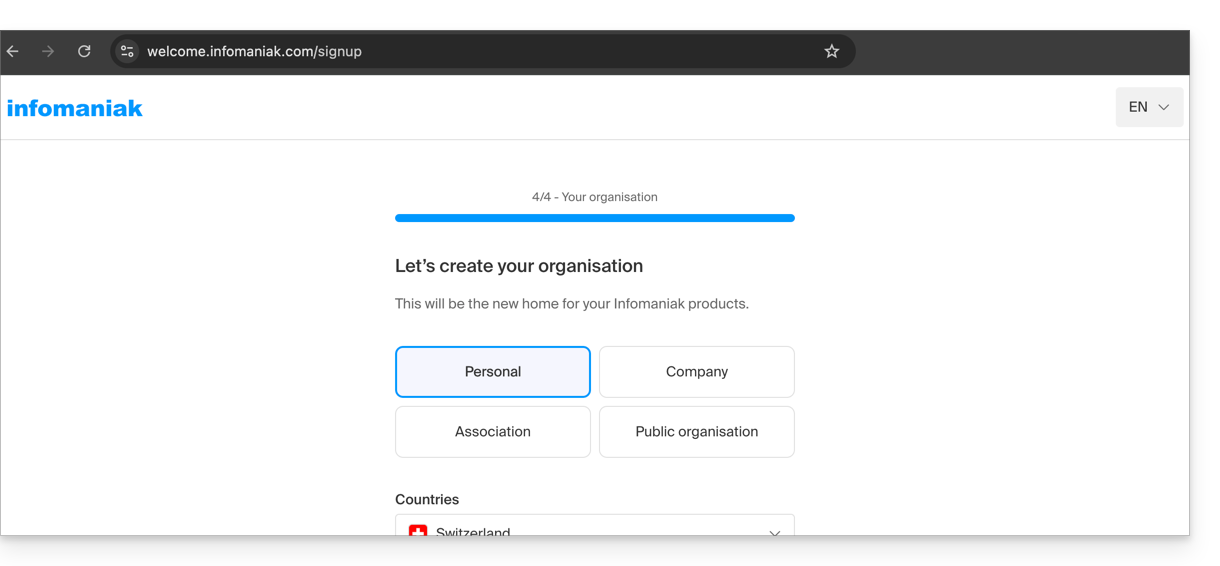
- Once registration is complete, you will access the Manager
manager.infomaniak.comand your Organization is still an “empty shell” of which you are currently the sole legal representative: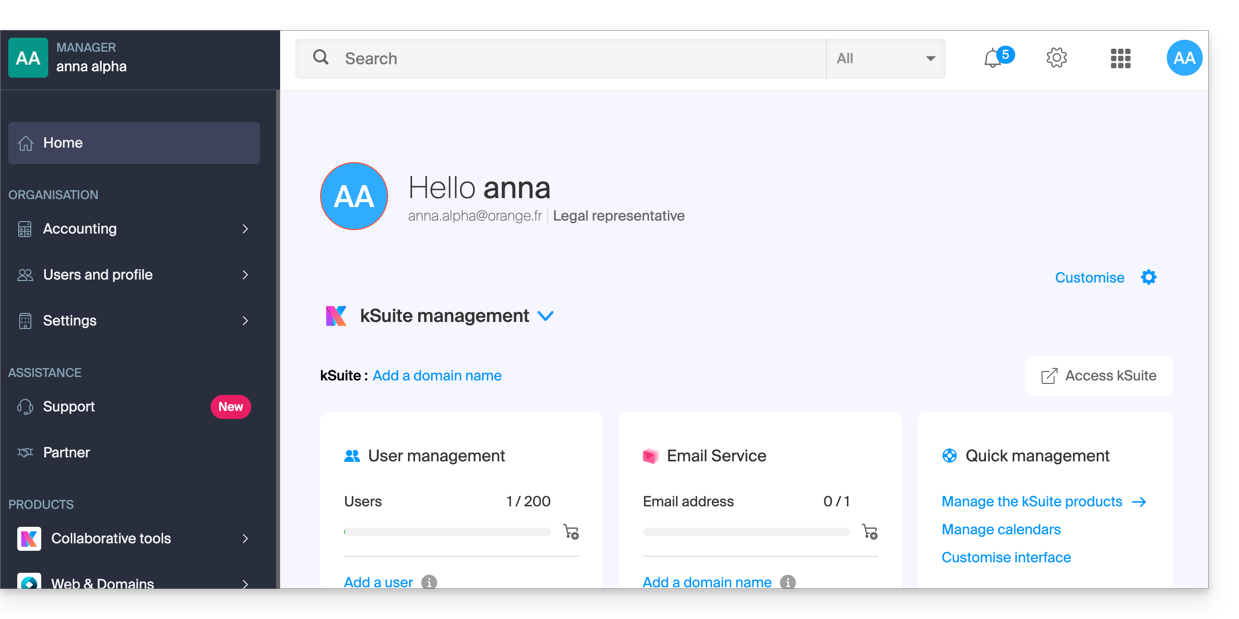
- You can distinguish:
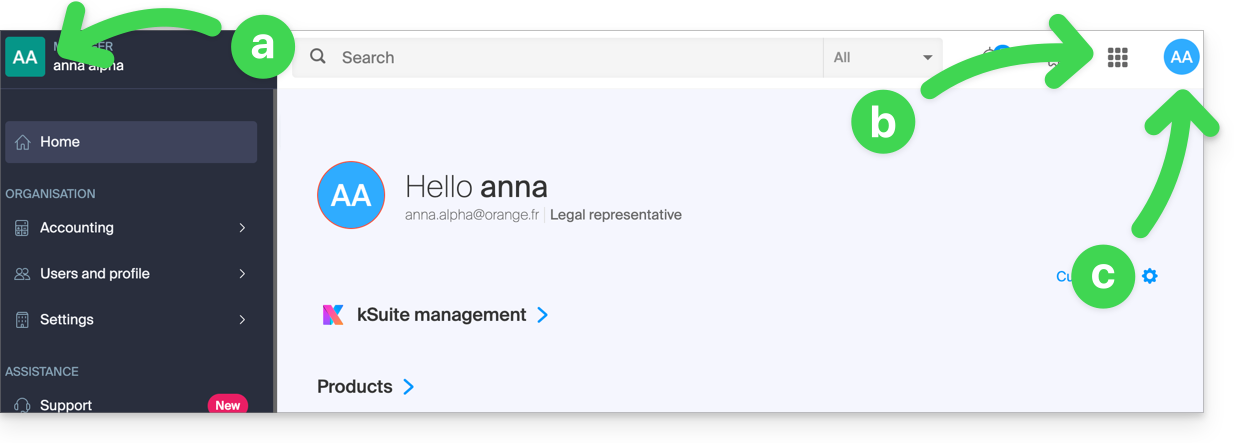
- The logo/type of your Organization, which in this case indicates that it is a personal Organization (automatically named upon creation via the first name/last name of the creator); this can be customized.
- The button allows you to access kSuite
ksuite.infomaniak.comand other apps / other services related to the free kSuite added to your new Organization: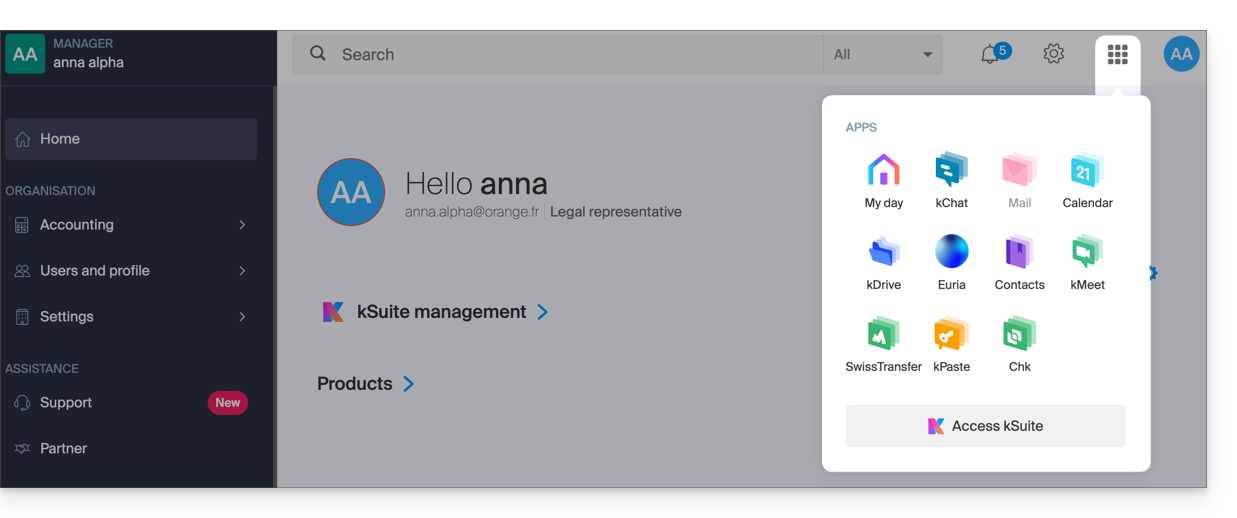
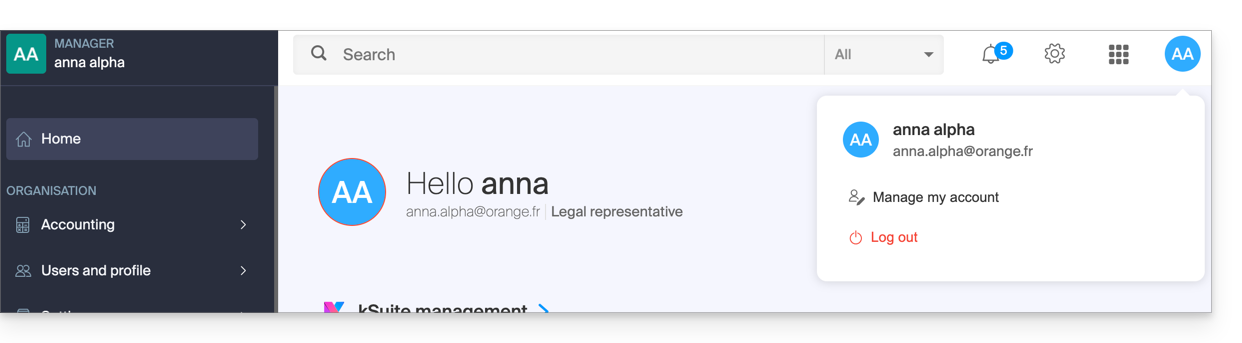
- The initials are those of your Infomaniak account (first name / last name provided during registration):
3. Combined use
What happens if you sign up for my kSuite by specifying an existing Infomaniak account that you already own for using hosting products?
Or how to proceed if you wish to acquire hosting products when you only have a my kSuite ?
Sign up for my kSuite by specifying an existing account
When signing up on welcome.infomaniak.com/signup/myksuite, you choose to log in with an existing account…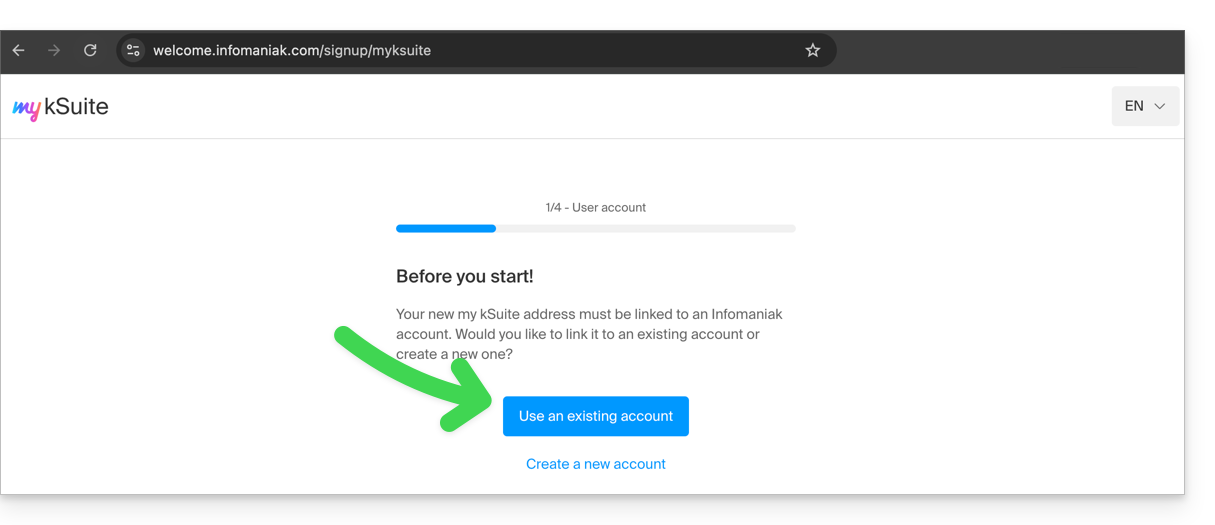
- Obviously, you should not specify a my kSuite account (
anna.a@ik.mefor example) as an existing account, as you cannot have multiple ik.me / etik.com / ikmail.com email addresses: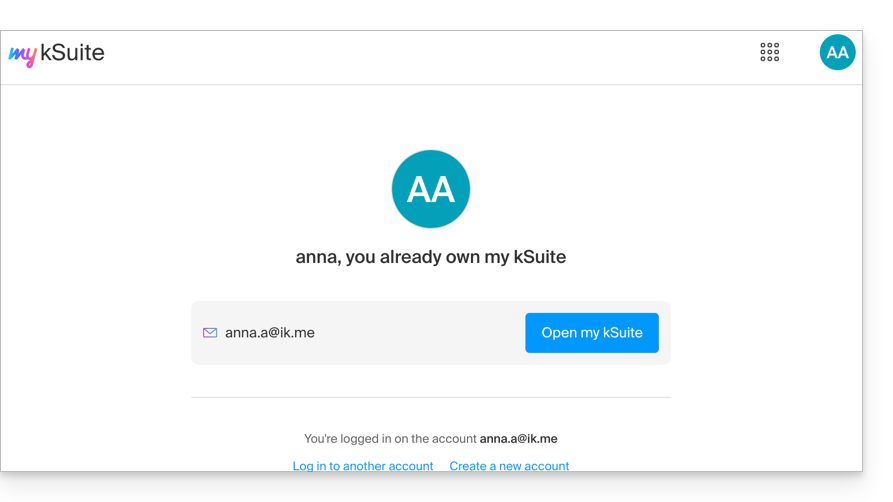
- Specify your existing Organization account,
anna.alpha@orange.fr: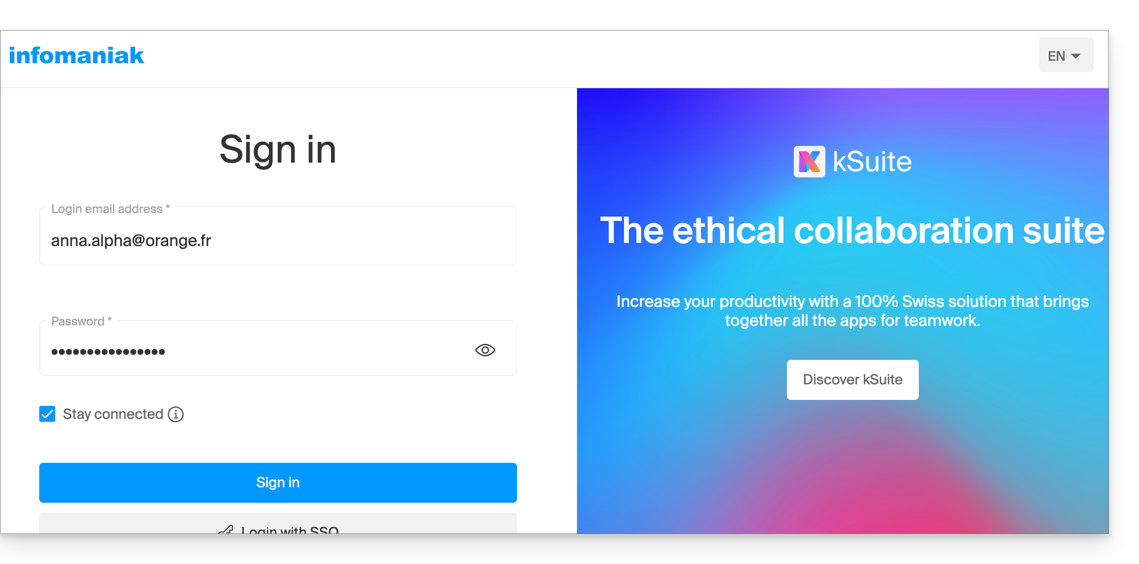
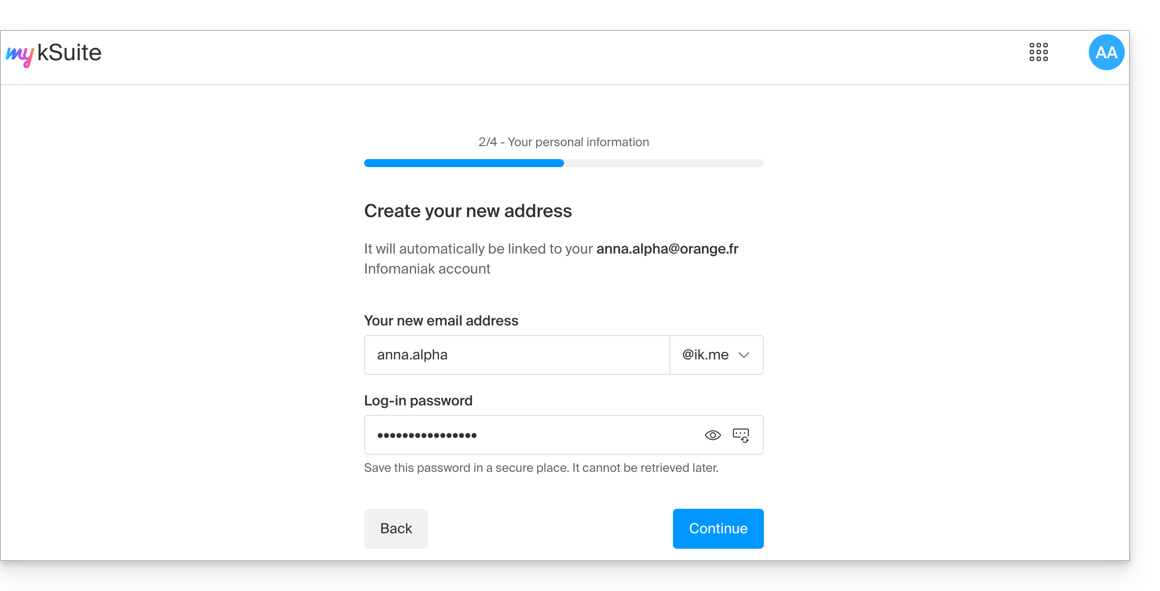
- Thus, the creation of a my kSuite account is proposed to you:
- Once registration is complete, you will access the Manager
manager.infomaniak.com:- your previous Organization is visible…
- separated from my kSuite currently selected:
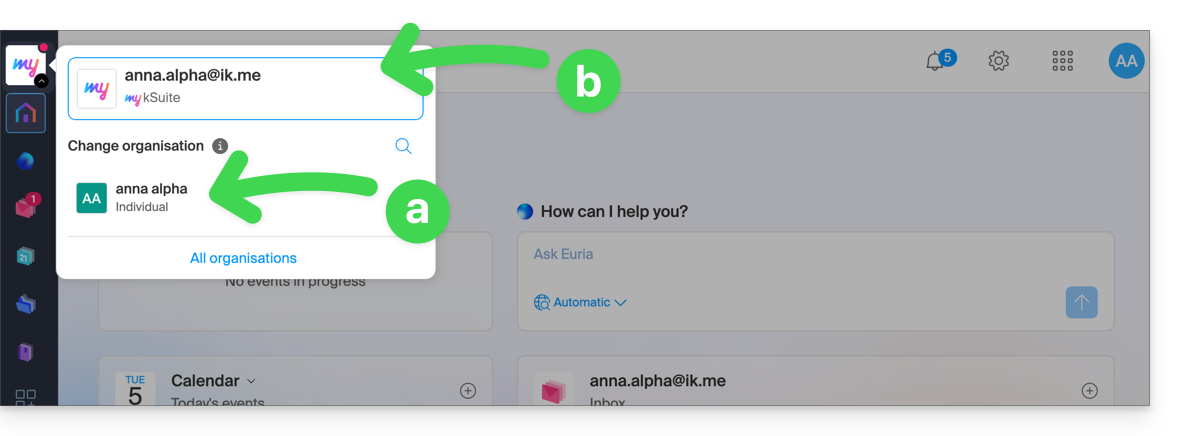
- Click on one or the other of the Organizations/my kSuite from this menu (always accessible permanently at the top left) to switch from one to the other.
Acquiring products with only one account my kSuite
Another situation: you wish to acquire on www.infomaniak.com one of the services offered by Infomaniak, for example a domain name for your future site / email: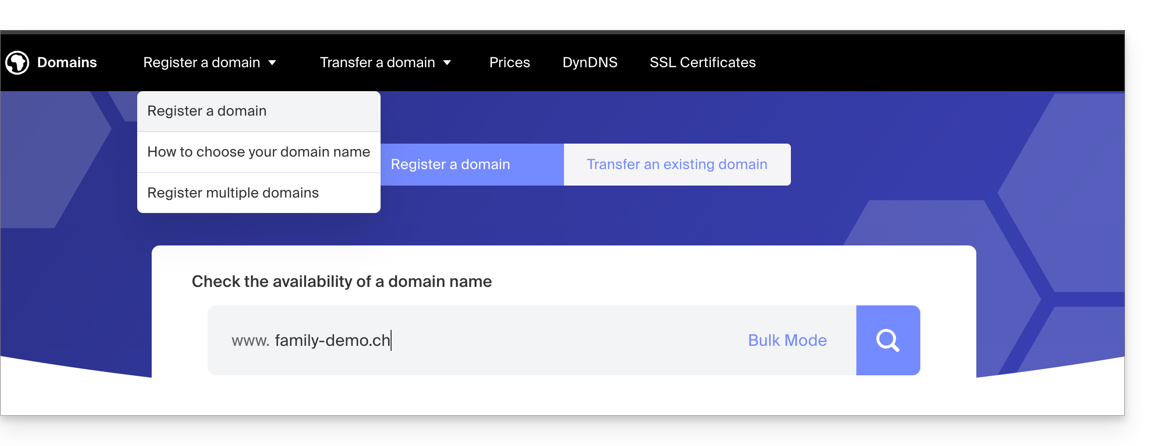
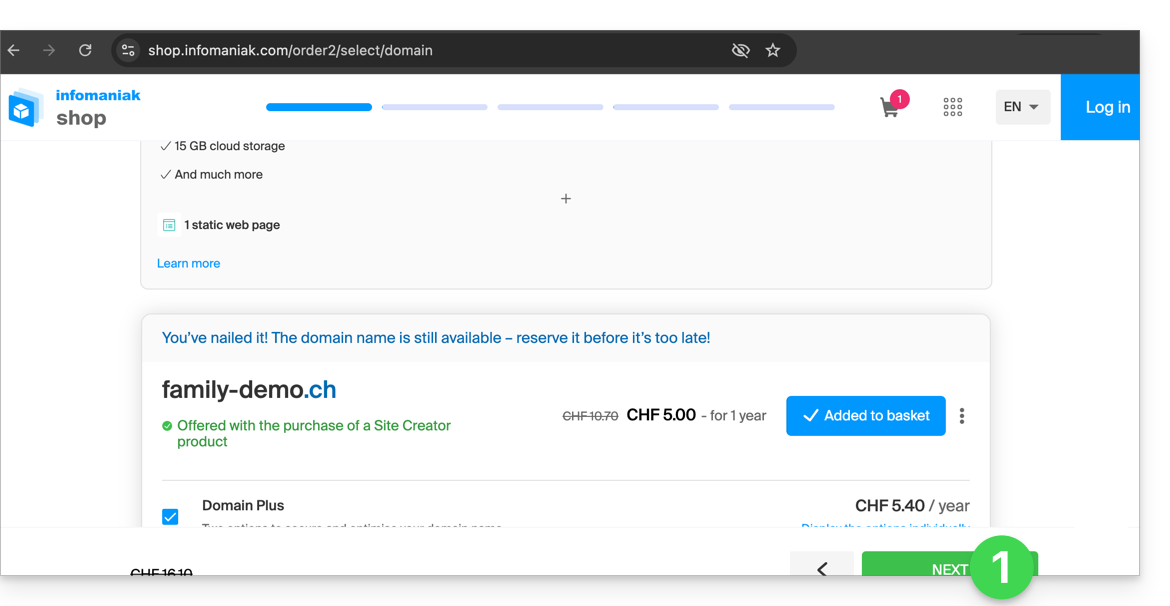
- You will be redirected to the Infomaniak Shop; proceed to the next step:
- At the step where you need to specify your existing Infomaniak identifier, if any, you enter your existing my kSuite account (
anna.alpha@ikmail.comin this example):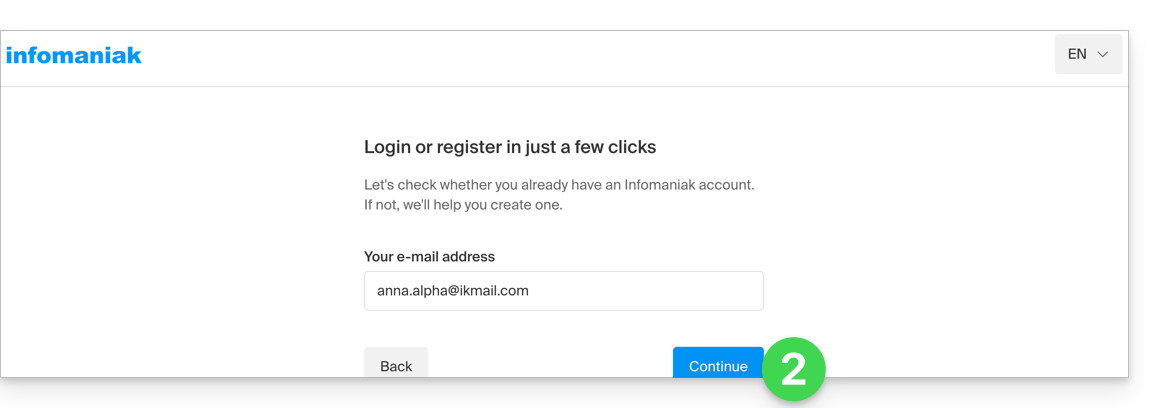
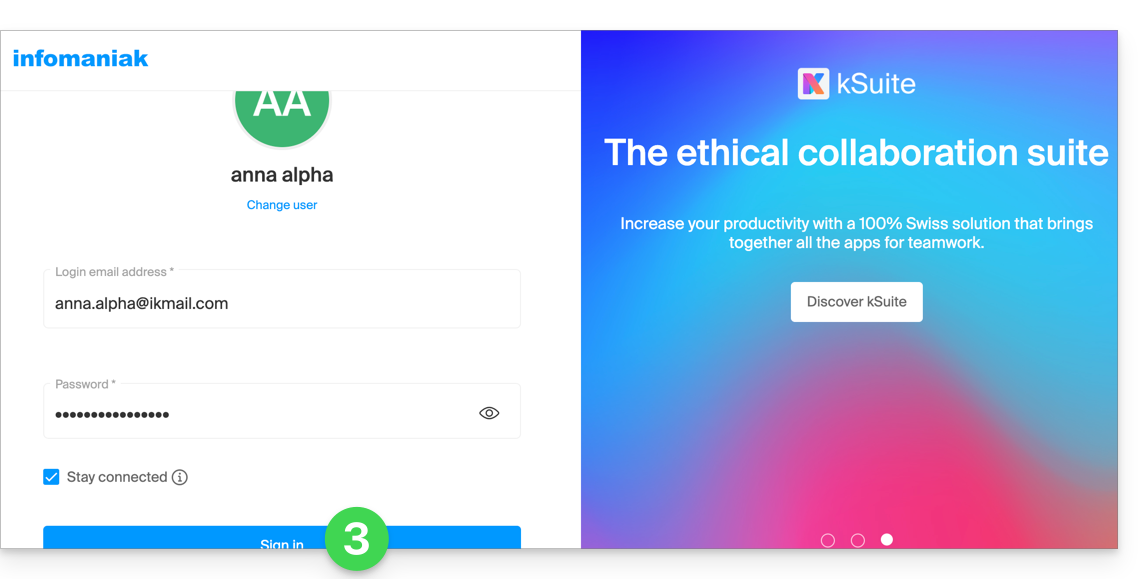
- Your existing identifier is recognized, you must authenticate:
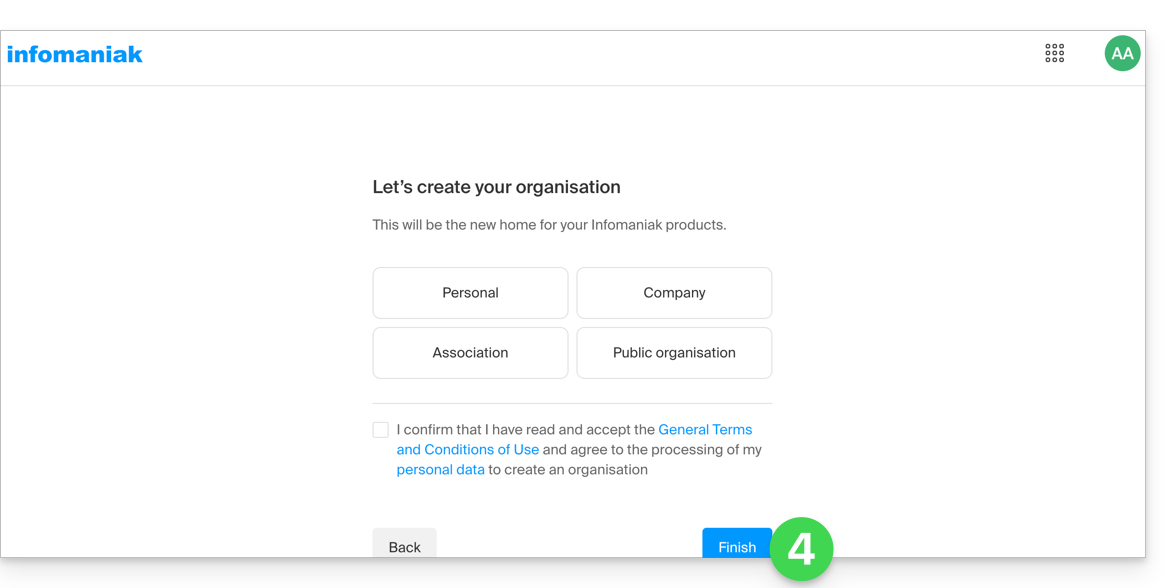
- Then you will necessarily go through the Organization creation step; choose the type of Organization you wish to create (personal, or for a company, association, etc.):
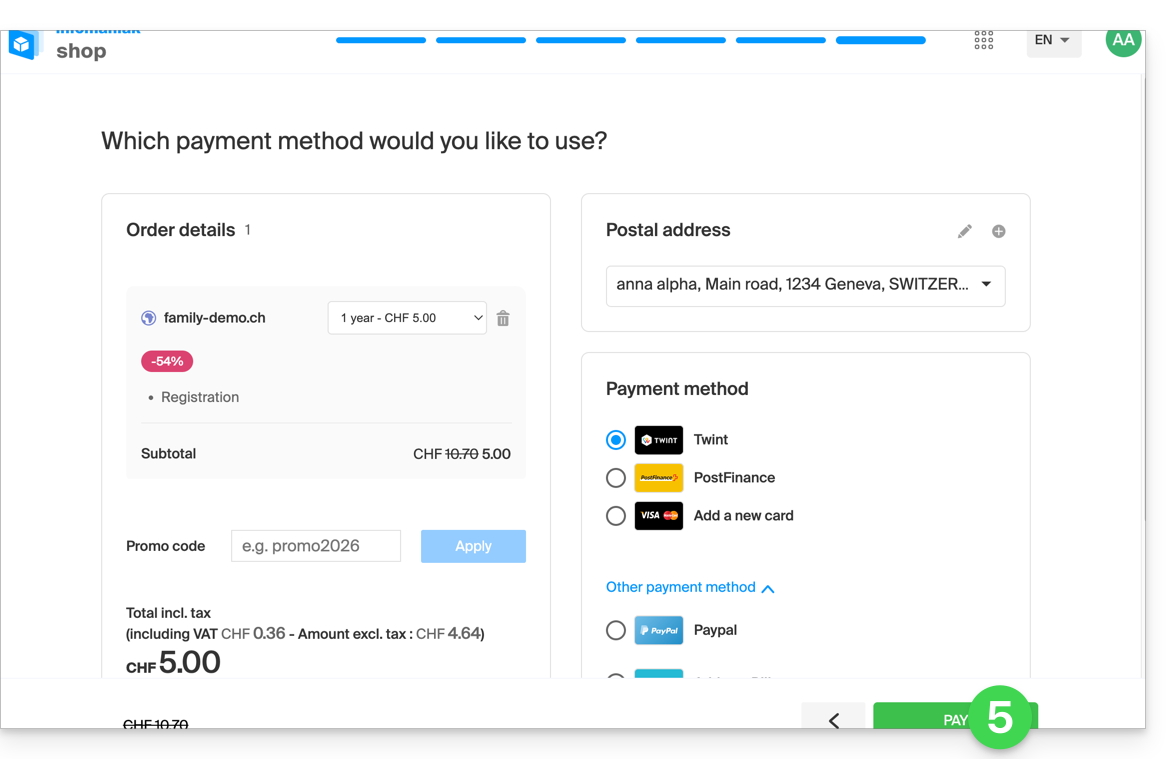
- To finalize the purchase, the details related to the Organization will be requested for billing (they are also used to generate a registrant for the ordered domain name); all you have to do is complete the order:
- Once the order is completed, you access the Manager
manager.infomaniak.com: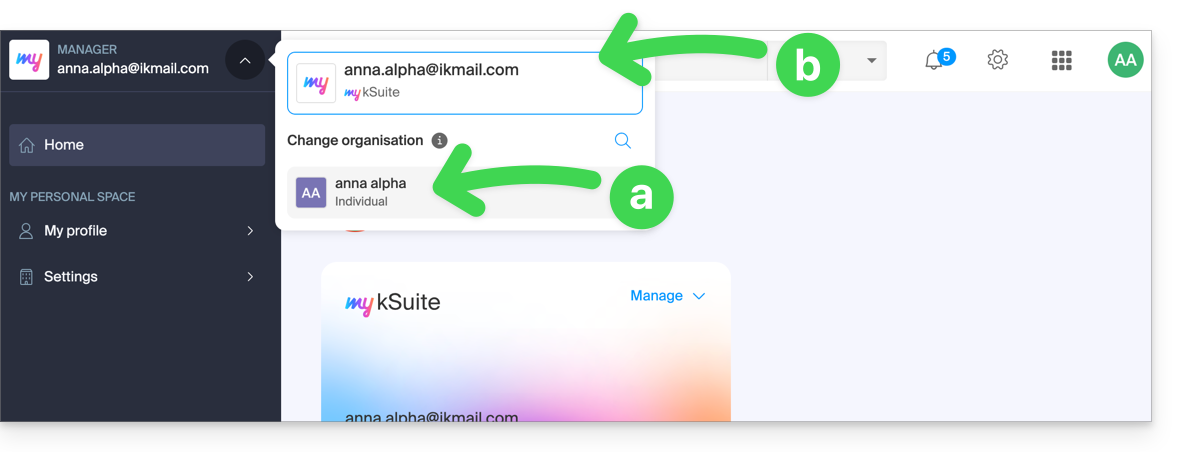
- your new Organization is visible…
- separated from my kSuite currently selected.
- Click on the new Organization to switch to it and manage your ordered products:
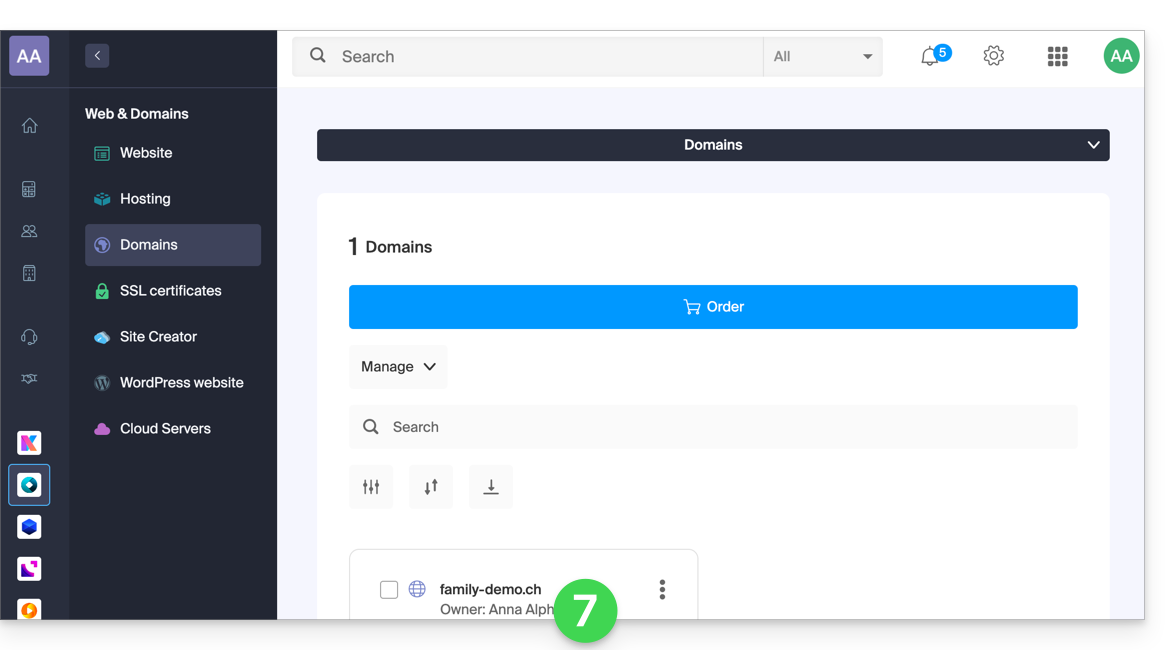
- To switch from one to the other of the Organizations/my kSuite click on this menu (always accessible permanently at the top left):
- A first time to arrive on the main page of the Manager,
- then on the chevron allowing the choice of the destination:
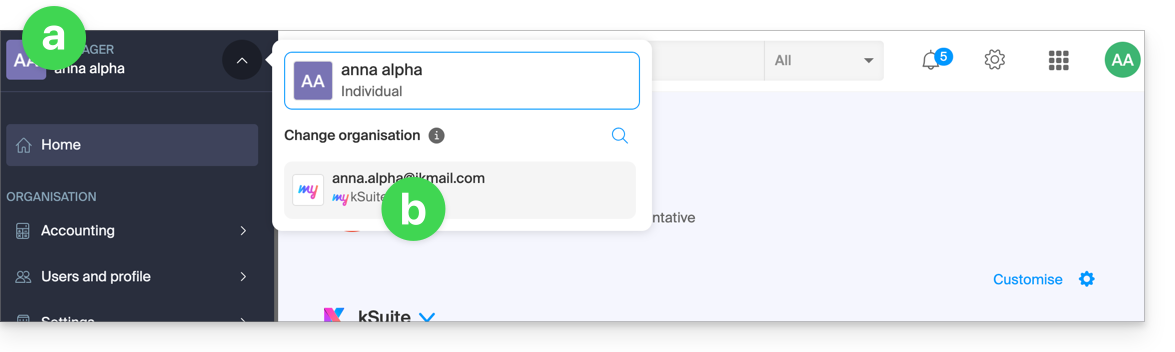
- You will find your email address my kSuite.
To understand the different "Suites" Infomaniak (kSuite, my kSuite...), refer to this other guide.
Link to this FAQ:
Has this FAQ been helpful?